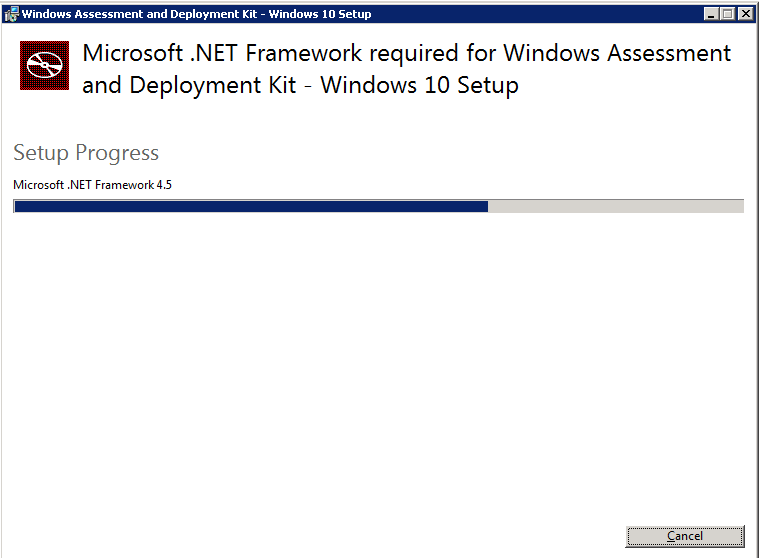
- Boot the server with the original windows media (You can obtain original media directly from MS for free as a 180 days free Evaluation: https://www.microsoft.com/en-us/evalcenter/evaluate-windows-server-2012-r2 )
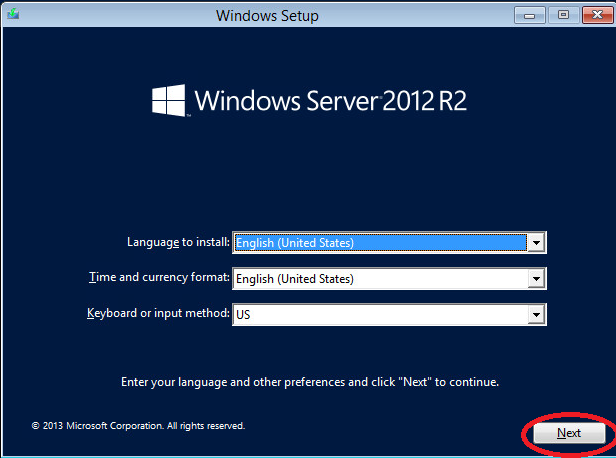
- Click “Next” on the first setup screen
- Then click “Repair your computer”

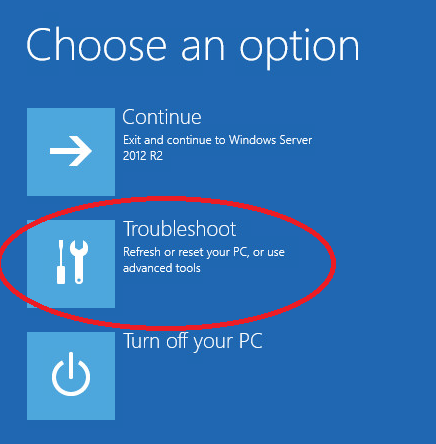
- Then click “Troubleshoot”
- And “Command Prompt”

- Then in Command Prompt enter the following commands (In most cases the drive should be C and not D like in the example):

- Eject the windows media and reboot the server back to the lock screen
- From the lock screen you can either click WIN + U in the keyboard or just click the “Ease of access” button in the welcome screen, This will try to open the ease of access executable (Utilman.exe) which is actually right now cmd.exe and will run it with highest privlages:
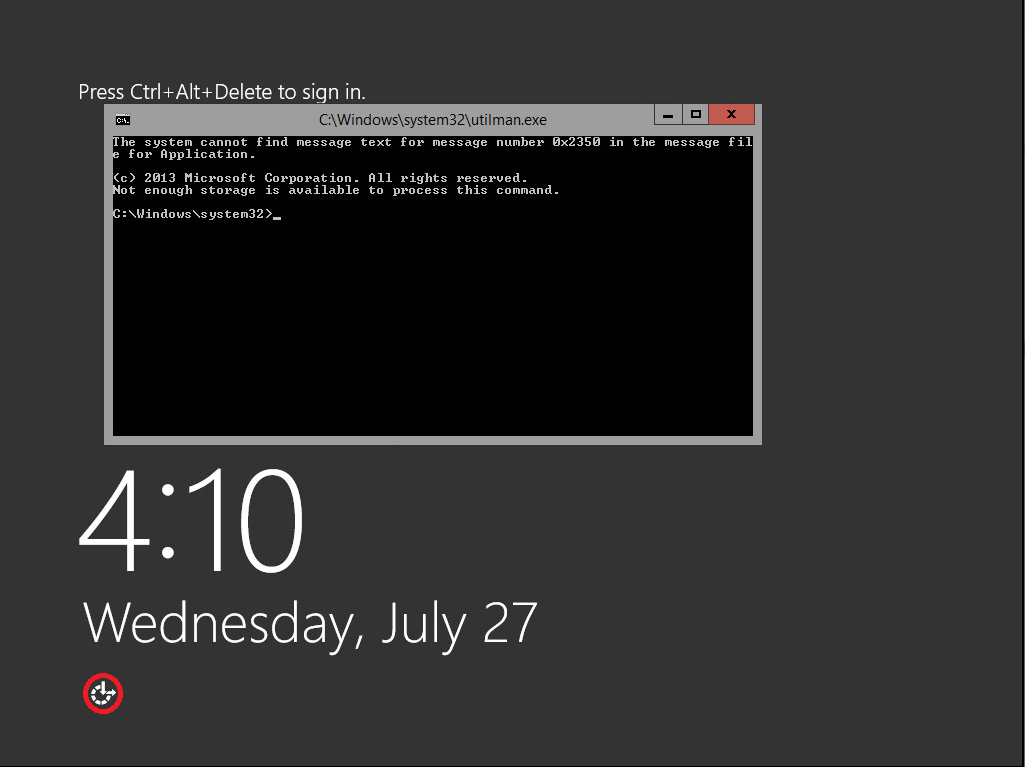
- From that cmd window you can just use: “net user administrator NEWPASSWORD”, but in case the administrator name was changed you can also do what I showed in the screenshot to first find the administrator name:

- Don’t forget to reinsert the media, boot into Troubleshooting again and do the following in CMD (Otherwise you will not have “Ease of access” anymore):

- Good Luck!

Sr. Cloud Solution Architect at Microsoft, I’m passionate about helping customers succeed by building secure, scalable, and innovative cloud solutions – with a strong focus on AI, DevOps practices, and end-to-end security. With a proven track record in the IT and services industry, I serve as a trusted advisor, partnering closely with organizations to guide them through digital transformation and maximize the value of their cloud investments. My role combines technical leadership with project ownership – from designing modern architectures to leading cross-functional implementations that drive real business outcomes. I also manage and empower strategic partners, working hand-in-hand with them to ensure project success and deliver measurable business impact for customers.