To install Internet Explorer 11
2. Create a software distribution package that includes the Internet Explorer 11 installation package
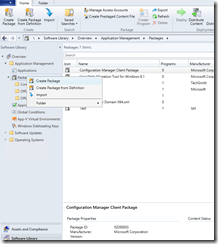
- Open Configuration manager console and navigate to Software Library> Application Management>Packages
- Create New Package
- Enter the details and the path for the IE11 files
- Choose standard program


- Create a program that includes the command-line needed to run the Internet Explorer 11 installation package. To run the package silently, without restarting and without checking the Internet for updates, use:
ie11_package.exe /quiet /norestart /update-no

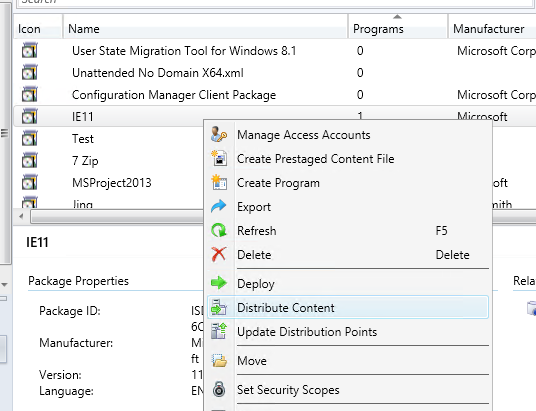
- Move the installation package to your distribution points, and then advertise the package.
Good luck! 

Sr. Cloud Solution Architect at Microsoft, I’m passionate about helping customers succeed by building secure, scalable, and innovative cloud solutions – with a strong focus on AI, DevOps practices, and end-to-end security. With a proven track record in the IT and services industry, I serve as a trusted advisor, partnering closely with organizations to guide them through digital transformation and maximize the value of their cloud investments. My role combines technical leadership with project ownership – from designing modern architectures to leading cross-functional implementations that drive real business outcomes. I also manage and empower strategic partners, working hand-in-hand with them to ensure project success and deliver measurable business impact for customers.